ALETHIC ENGINEERING · GUIDE
Match crash symbols to the build that actually shipped
A release name helps you find a build. A binary identity proves that its debug artifacts belong to the crash. Preserve both at export time.
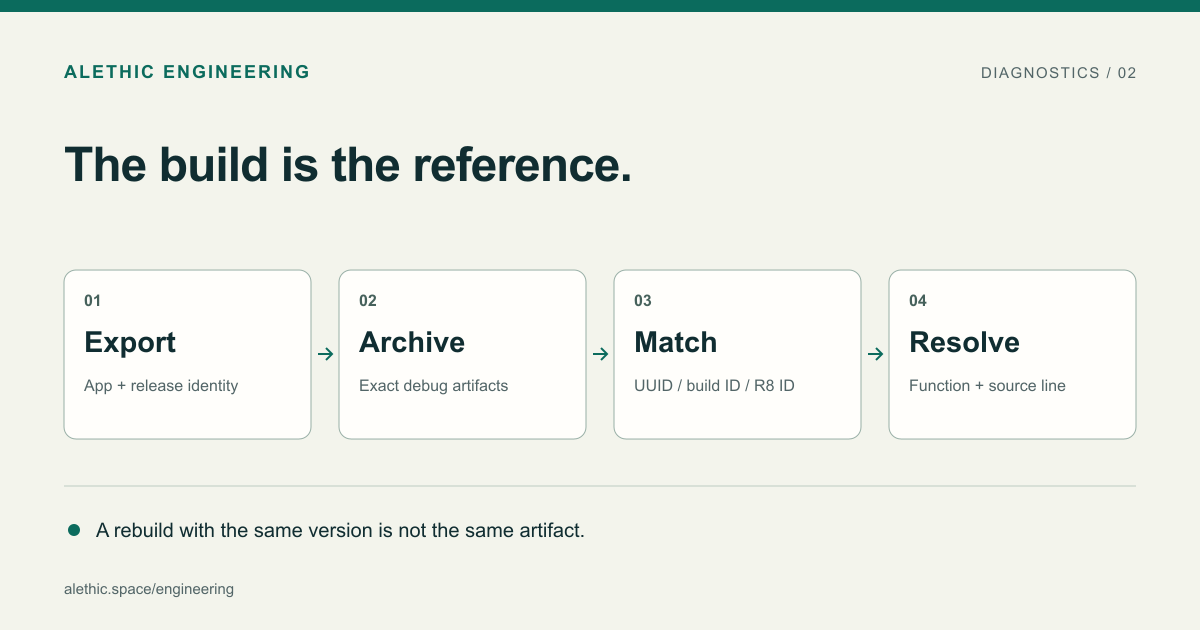
Archive the evidence when you export the app
Keep the distributed app, its release identifier and its debug artifacts together. Rebuilding the same Git commit later is not a reliable substitute: toolchain changes, build settings and generated inputs can produce a different binary identity. A familiar version number is not proof that a symbol file matches.
For each platform and architecture, record the build identity alongside a checksum of the original debug artifact. Preserve the unmodified file in private release storage. Uploading that file is a separate release step from installing the app or publishing it to a store. A successful app export does not show that the symbol service has received anything.
| Crash path | Identity and artifact to preserve |
|---|---|
| iOS native frames | The Mach-O UUID and architecture, plus the matching Runner dSYM. |
| Flutter AOT frames | The Mach-O UUID or ELF GNU build ID, plus the matching Flutter symbols. |
| Android Java/Kotlin after R8 | The mapping identity and the complete mapping.txt produced by that build. |
Treat the R8 mapping as immutable build output
Alethic's Android R8 identity uses the first 32 hexadecimal characters of the SHA-256 digest of the complete, uncompressed mapping file. The file includes its metadata. Removing comment lines, normalizing the file or combining it with another mapping changes the identity.
Package the corresponding identity with the application integration and retain the same mapping for upload. If a crash reports one identity while the server has another, do not rename the artifact to force a match. Recover the original mapping or acknowledge that the exact artifact is missing. Guessing can produce a plausible but incorrect function name.
Use a private upload path with separate credentials
The downloadable Flutter telemetry SDK includes tools/symbols/upload.py and its dependency requirements. Run it in a dedicated Python environment using the SDK's documented setup. Symbol management uses a short-lived portal access token with the required integration permission. A public ingestion key is not a symbol-management credential.
Set ALETHIC_ACCESS_TOKEN through your secure local or CI environment. Keep it out of shell history, source control and command arguments. Choose the matching project, release and artifact format using the uploader's help, then verify the returned artifact identity and checksum. Debug artifacts can reveal implementation details and belong in private storage, not a public website or downloadable client configuration.
The upload helper can gzip larger artifacts without changing their decoded content. The current path accepts up to 256 MiB before compression and 50 MiB in the transmitted object. These are separate limits: a file that compresses well still has to meet the decoded-size limit. Do not remove symbol data just to make a file fit.
Retry the upload without replacing its identity
An existing project, release, build and artifact-format tuple cannot be silently replaced with different bytes. An identical upload is safe to repeat; an occupied identity with different content requires investigation. Preserve the original uploaded object for retries, including its compressed bytes when applicable, because compression tools can produce different byte streams for the same decoded input.
The worker verifies the stored object's checksum before decompression. That protects the artifact transfer, but it does not turn a wrong build artifact into the right one. After upload, use a retained crash from the exact build to verify an expected application function and source line. Record the crash identity, artifact identity and resolved frame together.
Read partial results honestly
A crash can contain application frames, Flutter frames, operating-system frames and third-party libraries. Supplying a Runner dSYM does not supply every other image. Native resolution can therefore be partial even when the application frame you need is correct. Swift function names may remain mangled.
When a frame remains unresolved, check its image identity, architecture and artifact availability before investigating decoder behavior. The current decoder can return a function, source basename, line and bounded inline frames when those records exist. A process-exit marker alone is not a recovered native stack, and an Android R8 mapping cannot decode a C/C++ tombstone.
Keep a small acceptance record for every release: exact exported build, artifacts uploaded, one representative resolved application frame, and any unresolved image families. This makes the next release reproducible without claiming that all frames on all devices are covered.